Icons
Using the built-in Lucide icons and adding your own
Built-in icons
StellarAdmin Tag Helpers ships the Lucide icon set which is added automatically when calling AddStellarAdmin(), so every Lucide icon is available from the <sa-icon> Tag Helper by name, without further setup:
To find an icon's name, search the Lucide icons page and use the name shown when you hover over an icon. Names are matched case-insensitively.
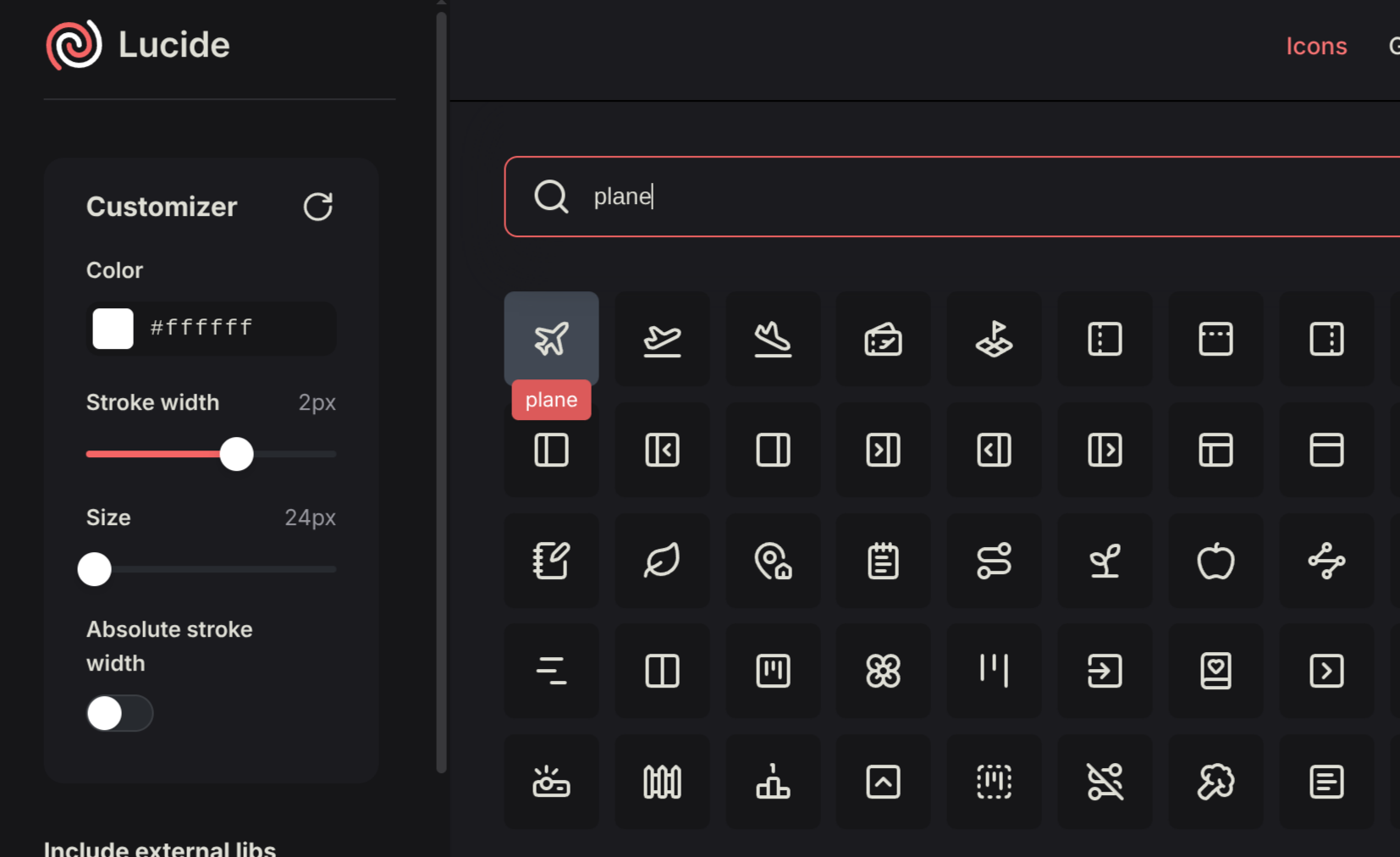
Specify the name of the icon in the name attribute.
<sa-icon name="plane"/>When no icon matches, <sa-icon> renders a placeholder "not found" icon rather than nothing, so a typo is visible in the page.
Icons render as inline <svg> elements that use currentColor, so they take the color and size of their surroundings. See the Icon page for sizing, color and stroke width.
Icon packs
StellarAdmin supports icon packs, which are a set of icons packaged together. You can load an icon pack using the AddIconPack<T>() method available on the StellarAdminBuilder.
builder.Services.AddStellarAdmin(sa =>
{
    sa.AddIconPack<MyCustomIconPack>();
});
Tabler icon packs
Besides the LucideIconPack which is loaded by default, StellarAdmin also includes outline and filled versions of the Tabler Icons which are available as TablerOutlineIconPack and TablerFilledIconPack respectively.
builder.Services.AddStellarAdmin(sa =>
{
    sa.AddIconPack<TablerOutlineIconPack>();
});
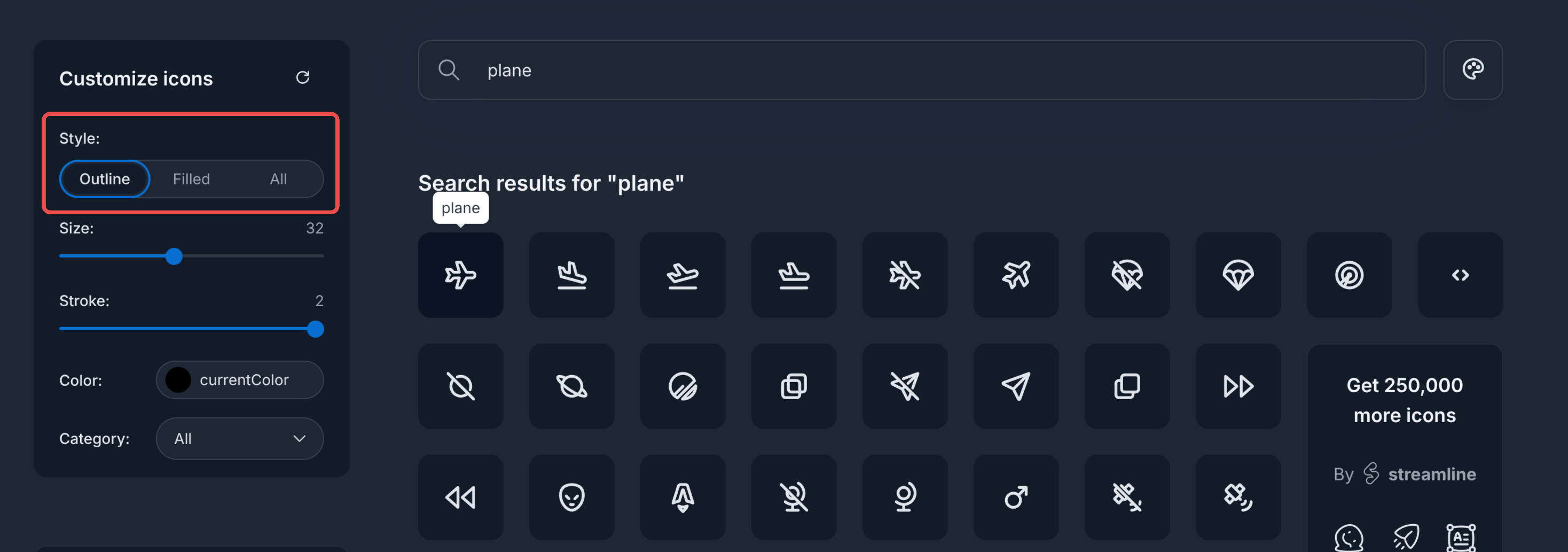
If you want to see the available icons for both of these, you can go to the Tabler Icons search page and search for an icon you want to use. You can view the name of the icon in the tooltip when hovering over the icon. You can limit the search to either the outline or filled icon versions by using the Style selector.
Prefixing an icon pack
By default, an icon pack will override any previously registered icons with the same name. Specify a prefix in the registration callback to keep a pack's icon names separate from other packs.
builder.Services.AddStellarAdmin()
    .AddIconPack<TablerOutlineIconPack>(pack =>
    {
        pack.Prefix = "tabler:";
    });
The prefix is literal, so an icon named plane becomes tabler:plane and can be used as <sa-icon name="tabler:plane" />.
Adding your own icons
Custom icons can be registered using the AddIcon() method of StellarAdminBuilder. An icon is added using a name and an IconDefinition which defines the attributes for the <svg> element and the list of shapes (path, circle, rect, and so on) used to draw the icon.
using System.Collections.Immutable;
using StellarAdmin.Icons;

builder.Services.AddStellarAdmin()
    .AddIcon("voyager-suitcase", new IconDefinition(
        new Dictionary<string, string>
        {
            ["xmlns"] = "http://www.w3.org/2000/svg",
            ["width"] = "24",
            ["height"] = "24",
            ["viewBox"] = "0 0 24 24",
            ["fill"] = "none",
            ["stroke"] = "currentColor",
            ["stroke-width"] = "2",
            ["stroke-linecap"] = "round",
            ["stroke-linejoin"] = "round",
        },
        [
            new SvgShape("rect", new Dictionary<string, string>
            {
                ["x"] = "3", ["y"] = "7", ["width"] = "18", ["height"] = "13", ["rx"] = "2",
            }.ToImmutableDictionary()),
            new SvgShape("path", new Dictionary<string, string>
            {
                ["d"] = "M8 7V5a2 2 0 0 1 2-2h4a2 2 0 0 1 2 2v2",
            }.ToImmutableDictionary()),
            new SvgShape("path", new Dictionary<string, string> { ["d"] = "M8 7v13" }.ToImmutableDictionary()),
            new SvgShape("path", new Dictionary<string, string> { ["d"] = "M16 7v13" }.ToImmutableDictionary()),
        ]))
.AddTagHelpers();<sa-icon name="voyager-suitcase"/>Duplicate names, including built-in icon names, cause an exception when icon options are resolved. To replace a built-in icon, register an icon pack.
Create an icon pack
For more than a handful of icons, or to override existing ones, implement IIconPack and register it by calling AddIconPack<T>(). An icon pack returns a dictionary of icon names and definitions. When a pack contains an icon with a name that is already registered, the pack's icon replaces the existing one.
using System.Collections.Immutable;
using StellarAdmin.Icons;

public class VoyagerIconPack : IIconPack
{
    private static readonly Dictionary<string, string> SvgAttributes = new()
    {
        ["xmlns"] = "http://www.w3.org/2000/svg",
        ["width"] = "24",
        ["height"] = "24",
        ["viewBox"] = "0 0 24 24",
        ["fill"] = "none",
        ["stroke"] = "currentColor",
        ["stroke-width"] = "2",
        ["stroke-linecap"] = "round",
        ["stroke-linejoin"] = "round",
    };

    public IDictionary<string, IconDefinition> GetIcons()
    {
        return new Dictionary<string, IconDefinition>
        {
            ["voyager-suitcase"] = new IconDefinition(SvgAttributes,
            [
                Shape("rect", ("x", "3"), ("y", "7"), ("width", "18"), ("height", "13"), ("rx", "2")),
                Shape("path", ("d", "M8 7V5a2 2 0 0 1 2-2h4a2 2 0 0 1 2 2v2")),
                Shape("path", ("d", "M8 7v13")),
                Shape("path", ("d", "M16 7v13")),
            ]),
            ["voyager-compass"] = new IconDefinition(SvgAttributes,
            [
                Shape("circle", ("cx", "12"), ("cy", "12"), ("r", "9")),
                Shape("path", ("d", "m15.5 8.5-2 5-5 2 2-5z")),
                Shape("path", ("d", "M12 3v2")),
                Shape("path", ("d", "M12 19v2")),
                Shape("path", ("d", "M3 12h2")),
                Shape("path", ("d", "M19 12h2")),
            ]),
        };
    }

    private static SvgShape Shape(string name, params (string Name, string Value)[] attributes)
    {
        return new SvgShape(name, attributes.ToImmutableDictionary(a => a.Name, a => a.Value));
    }
}builder.Services.AddStellarAdmin()
.AddIconPack<VoyagerIconPack>();The two custom icons then render alongside the built-in ones:
<sa-icon name="voyager-suitcase"/>
<sa-icon name="voyager-compass"/>
<sa-icon name="plane"/>
Semantic component icons
Various StellarAdmin Tag Helpers uses icons when rendering. For example, <sa-pagination-ellipses> renders a small ellipses. These icons are provided by the various icon packs as semantic icons - in other words, some icons are registered by their purpose. In the example of <sa-pagination-ellipses> Tag Helper, it will look up the SemanticIconRole.PaginationEllipsis icon when rendering the ellipsis.
When registering a new icon pack, it's semantic icons will override any semantic icons previously registered by another icon pack. You can prevent this by setting ImportSemanticMappings to false when registering the icon pack.
builder.Services.AddStellarAdmin()
    .AddIconPack<VoyagerIconPack>(pack =>
    {
        pack.ImportSemanticMappings = false;
    });
Supply semantic icons from your own icon packs
If you create your own custom icon pack, you can supply these mappings by implementing GetSemanticIconMappings().
public IReadOnlyDictionary<SemanticIconRole, string> GetSemanticIconMappings()
{
    return new Dictionary<SemanticIconRole, string>
    {
        [SemanticIconRole.PaginationEllipsis] = "my-dots",
        [SemanticIconRole.DropdownIndicator] = "my-caret-down",
    };
}
Each mapped name must exist in the icons supplied by that same pack, even if an icon with that name is already registered, otherwise registration throws ArgumentException.
Override a single semantic icon
You can override the icons used for a specific semantic role:
builder.Services.Configure<IconOptions>(icons =>
{
    icons.MapSemanticIcon(SemanticIconRole.PaginationEllipsis, "ellipsis-vertical");
});
Removing all icons
As mentioned previously, the Lucide icons are registered by default. You can clear all previously registered icons by calling ClearIcons() and register a new icon pack by calling AddIconPack<T>().
builder.Services.AddStellarAdmin()
    .ClearIcons();
    .AddIconPack<VoyagerIconPack>();
API Reference
AddIcon(name, iconDefinition)
Registers a single icon under a new name. Duplicate names throw when icon options are resolved.
AddIconPack<TIconPack>()
Creates an instance of TIconPack (which must have a parameterless constructor) and registers its icons and semantic mappings. Icons with the same name as an existing icon replace it.
IIconPack
Prop
Type
IconDefinition
Prop
Type
SvgShape
Prop
Type