Deleting records
Let people delete records, with a confirmation
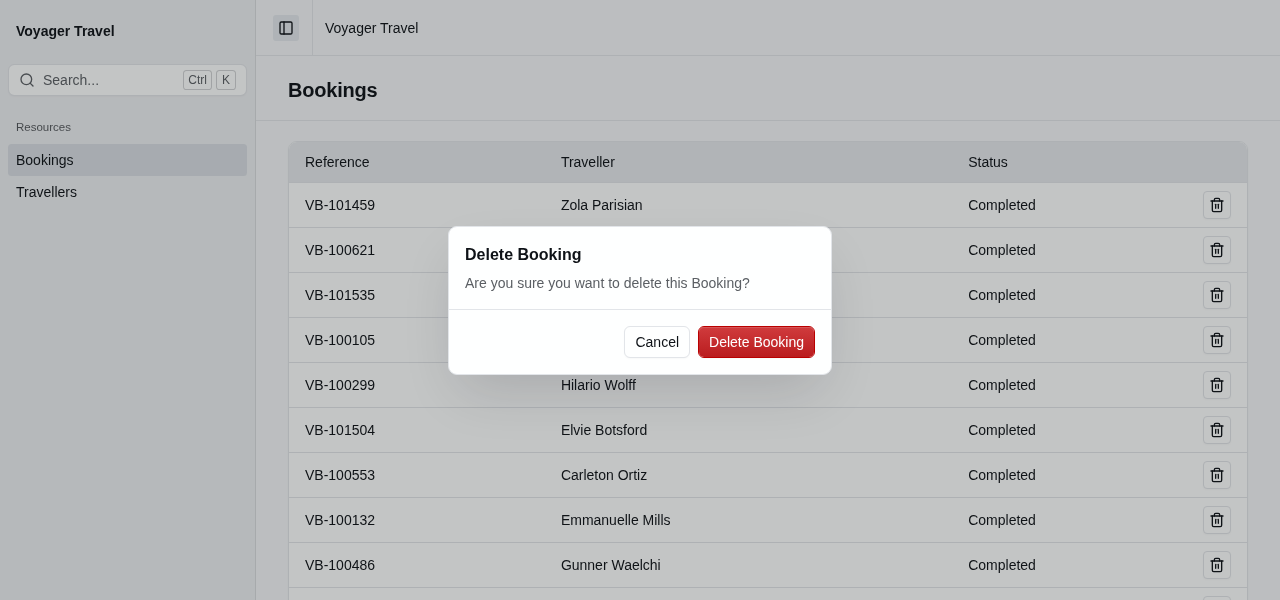
You can allow deletion of records by calling the AllowDelete() method on the resource builder. This will add a delete button on the resource index page next to each record, as well as a delete button on the view page (if you added one).
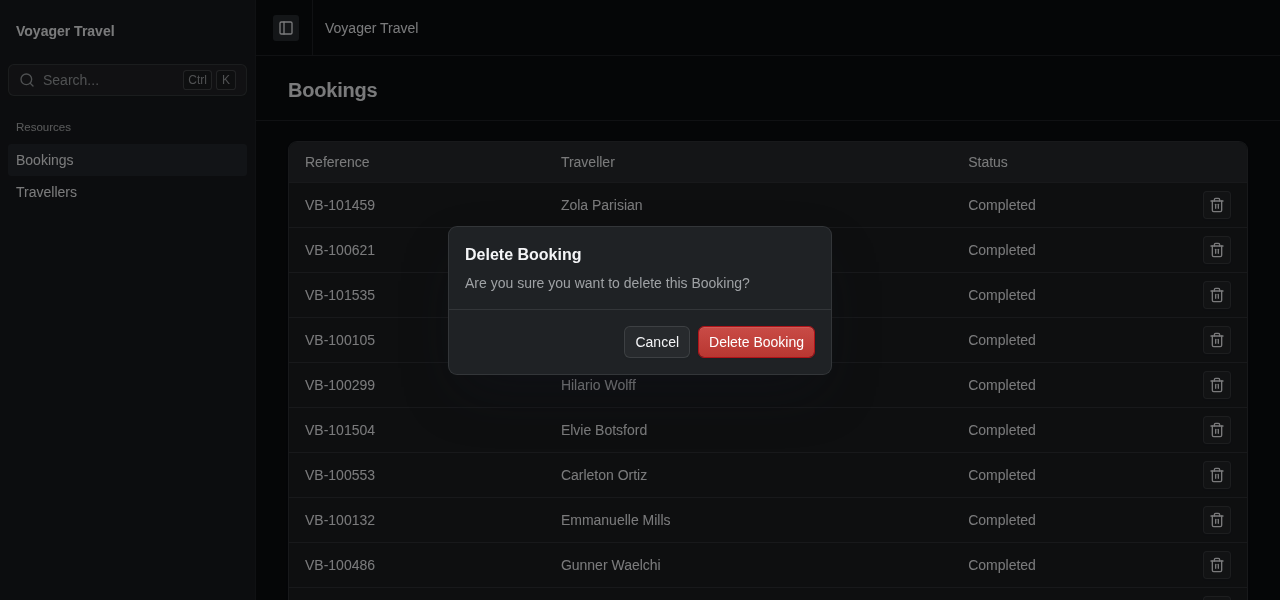
resource.AllowDelete();Before deleting a record, StellarAdmin asks the user to confirm.
Changing the confirmation text
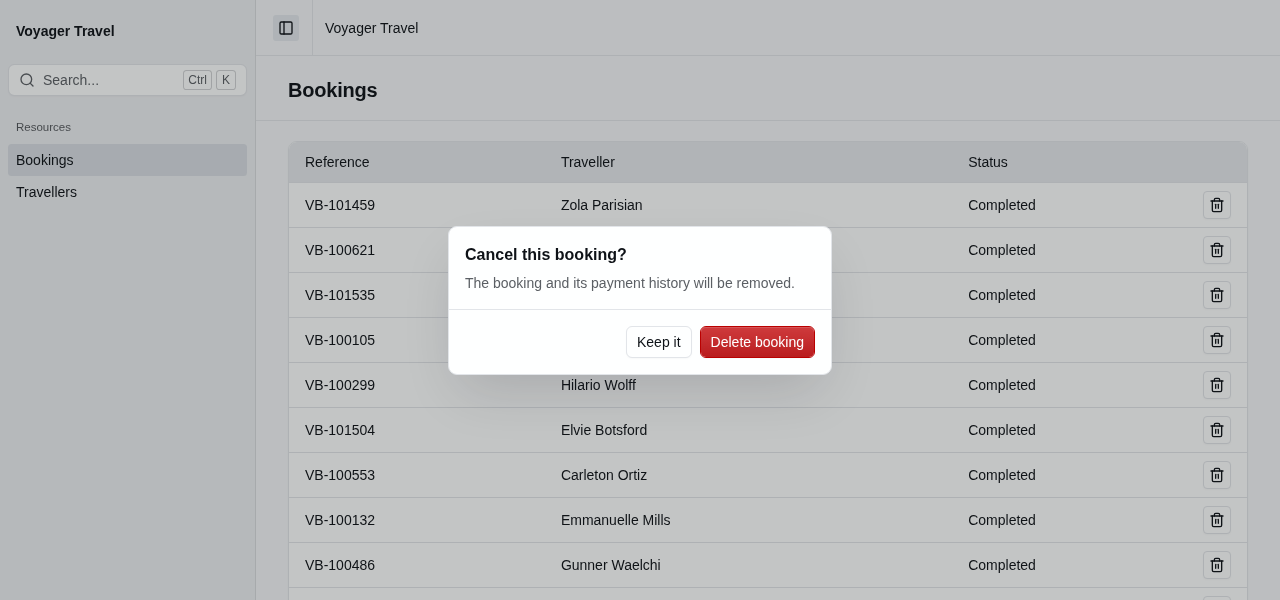
The labels used in the confirmation dialog is based on the resource labels. To change the text of the confirmation dialog, set its properties in the AllowDelete() callback:
resource.AllowDelete(delete =>
{
    delete.Title = "Cancel this booking?";
    delete.Message = "The booking and its payment history will be removed.";
    delete.ConfirmLabel = "Delete booking";
    delete.CancelLabel = "Keep it";
});
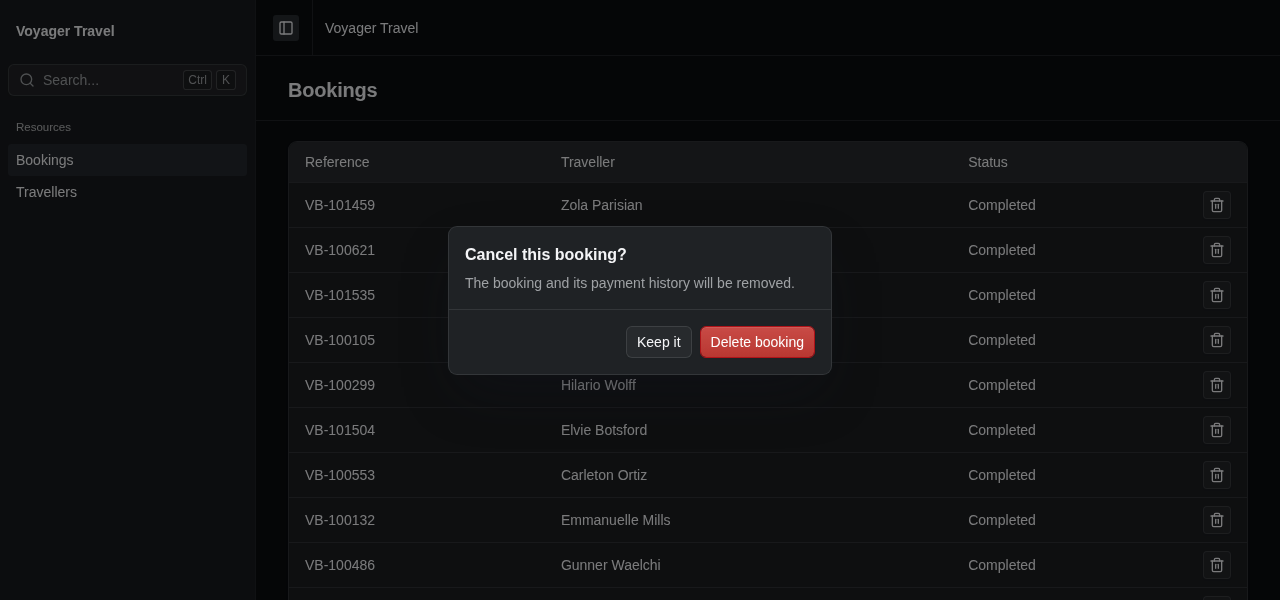
To change the default text for every resource, see global labels.
Database errors during delete
If an error occurs when deleting a record, for example due to a foreign key constraint, an error will be displayed to the user. It is up to you to properly handle things like foreign key constraints correctly by configuring cascading deletes on your EF Core model.