Icons
Display the icon that a property names
Use IconDisplay to display the matching icon for the property value.
using StellarAdmin.Resources.Displays;

columns.Add(trip => trip.Icon, column => column.UseDisplay<IconDisplay>());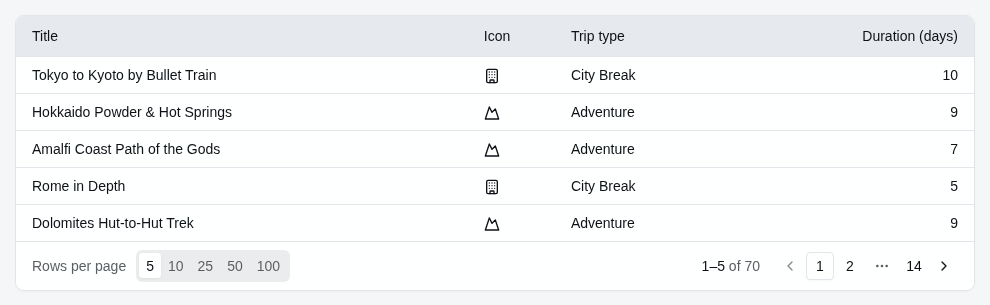

In the grid, IconDisplay displays the icon's name when people hover over the icon. In a display field, it displays the name beside the icon.
If the value isn't the name of a registered icon, IconDisplay displays a dashed box instead.


IconDisplay has the following members:
| Member | Description |
|---|---|
ShowName | Specifies whether the icon's name is displayed beside the icon: true displays it everywhere, and false only when people hover over the icon. The default is null, which displays it on hover in the grid, and beside the icon in a display field. |