Loading widget data
Load a widget's data with a handler, pass it parameters and let people change them
Introduction
It is common for widgets to display data from a database or external service. StellarAdmin allows you to create handlers that will load the data asynchronously.
Writing a handler
Create a class that implements IWidgetHandler<TModel>, where TModel is the model that must be passed to the widget's partial view. Return this model from the handler's LoadAsync() method or return null to hide the widget.
The example below counts the bookings made this month:
using StellarAdmin.Widgets;

public record BookingStats(int Count);

public class BookingStatsHandler(ApplicationDbContext db) : IWidgetHandler<BookingStats>
{
    public async Task<BookingStats?> LoadAsync(
        WidgetLoadContext context,
        CancellationToken cancellationToken)
    {
        var start = new DateTime(DateTime.Today.Year, DateTime.Today.Month, 1);
        var count = await db.Bookings.CountAsync(
            booking => booking.BookedAt >= start, cancellationToken);

        return new BookingStats(count);
    }
}
To use the handler, pass it as the type argument when adding the widget:
builder.Services.AddStellarAdmin(admin =>
{
    admin.ConfigureHomePage(home => home.Widgets(widgets =>
    {
        widgets.Add<BookingStatsHandler>("Bookings", "_BookingStatsWidget");
    }));
});
StellarAdmin registers the handler as a scoped service, unless you've already registered it, so you can inject services into its constructor. The context parameter has the request's HttpContext, User and the widget's Name.
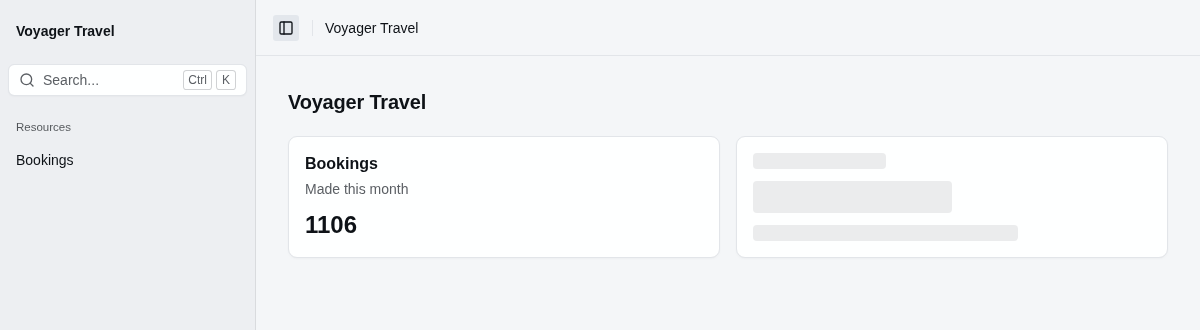
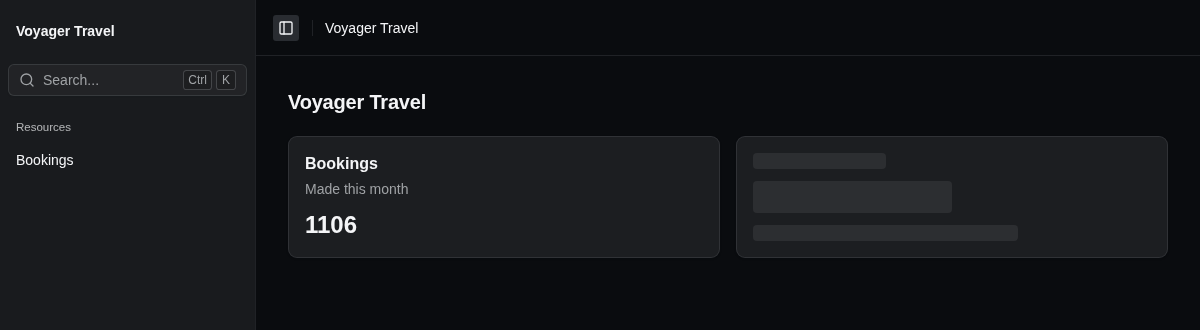
Widgets using handlers are lazy loaded after a page has rendered, so a slow handler doesn't block loading of the page. A placeholder is displayed while the data is loading.
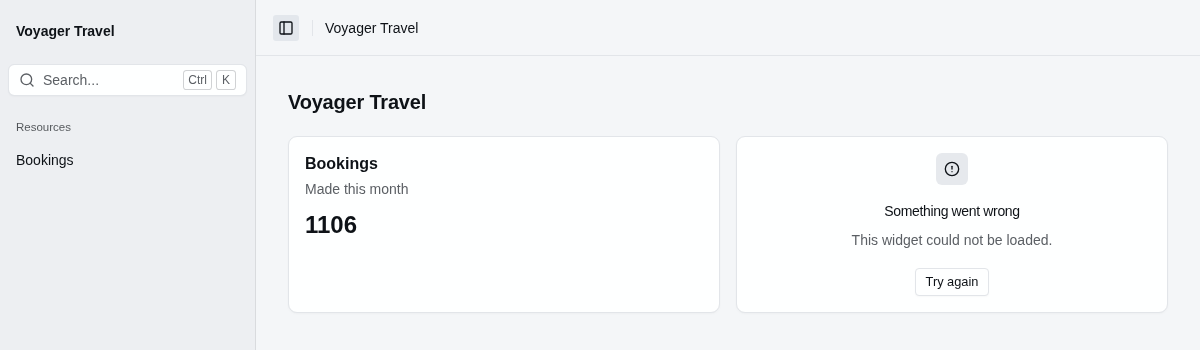
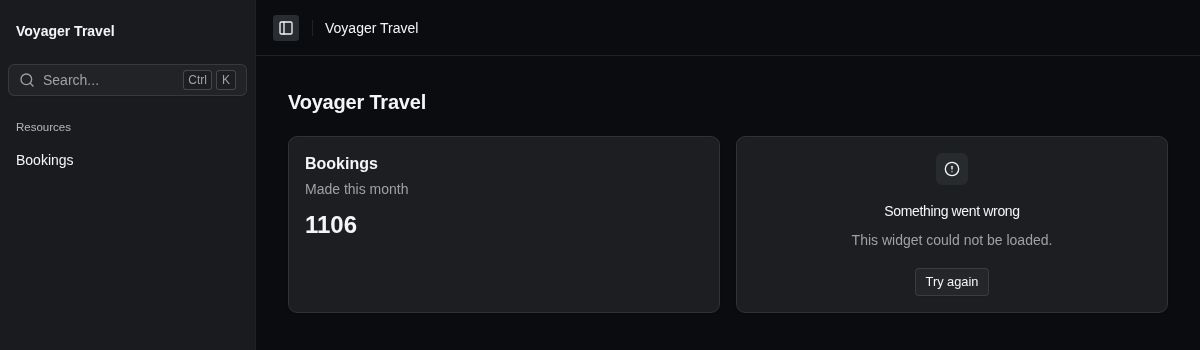
If the handler throws an exception, StellarAdmin logs it, and the widget's place displays an error with a Try again button.
Passing parameters to the handler
To pass values from the page to the handler, call Parameters() with a delegate that returns the parameters. The delegate receives the page's widget context, and returns an object of your own type.
When using parameters, your handler must implement IWidgetHandler<TParameters, TModel> where TParameters is the type of the parameters you are passing. The example below passes a region and a number of days:
public record RevenueParameters(string Region, int Days);

public class RevenueHandler(ApplicationDbContext db)
    : IWidgetHandler<RevenueParameters, Revenue>
{
    public async Task<Revenue?> LoadAsync(
        RevenueParameters parameters,
        WidgetLoadContext context,
        CancellationToken cancellationToken)
    {
        var since = DateTime.Today.AddDays(-parameters.Days);
        var total = await db.Bookings
            .Where(booking => booking.Region == parameters.Region && booking.BookedAt >= since)
            .SumAsync(booking => booking.TotalAmount, cancellationToken);

        return new Revenue(parameters.Days, total);
    }
}builder.Services.AddStellarAdmin(admin =>
{
admin.ConfigureHomePage(home => home.Widgets(widgets =>
{
widgets.Add<RevenueHandler>("Revenue", "_RevenueWidget", widget =>
{
widget.Parameters(context => new RevenueParameters("Europe", 30));
});
}));
});Passing the page's values to the handler
A handler only receives the parameters you return from the Parameters delegate. You can use the widget context inside the Parameters() delegate to extract values specific to the page the widget is rendering on.
The example below uses the Record property passed in a view page's widget context to access the current booking's primary key and passes that to the handler.
builder.Services.AddStellarAdmin(admin =>
{
    admin.AddEfCoreResource<Booking>(resource =>
    {
        resource.AllowView(view =>
        {
            view.Widgets(widgets =>
            {
                widgets.Add<OtherBookingsHandler>("Other bookings", "_OtherBookingsWidget", widget =>
                {
                    widget.Placement = WidgetPlacement.Aside;
                    widget.Parameters(context => new OtherBookingsParameters(context.Record.Id));
                });
            });
        });
    });
});
The handler then uses that bookingId to load the other bookings of the booking's traveller:
using StellarAdmin.Widgets;

public record OtherBookingsParameters(int BookingId);

public record OtherBooking(string Reference, string Trip);

public class OtherBookingsHandler(ApplicationDbContext db)
    : IWidgetHandler<OtherBookingsParameters, IReadOnlyList<OtherBooking>>
{
    public async Task<IReadOnlyList<OtherBooking>?> LoadAsync(
        OtherBookingsParameters parameters,
        WidgetLoadContext context,
        CancellationToken cancellationToken)
    {
        var travellerId = await db.Bookings
            .Where(booking => booking.Id == parameters.BookingId)
            .Select(booking => booking.TravellerId)
            .SingleAsync(cancellationToken);

        return await db.Bookings
            .Where(booking => booking.TravellerId == travellerId && booking.Id != parameters.BookingId)
            .OrderBy(booking => booking.Reference)
            .Select(booking => new OtherBooking(booking.Reference, booking.Departure.Trip.Title))
            .ToListAsync(cancellationToken);
    }
}
Letting people change a widget
A widget can have its own controls, such as a picker for the period it reports on. You can bind these controls to the properties of the parameters using the [WidgetInput] attribute.
The example below specify a Days property that will allow the user to pick the number of days to report on.
public record RevenueParameters(string Region, [property: WidgetInput] int Days);In the partial view, put the control that allow the user to select the number of days in <sa-widget-form>, and name the control after the property it changes - in this case Days.
When a control changes, the form loads the widget again with the new value. The example below lets people choose between 30 and 90 days:
@model Revenue

<sa-card>
    <sa-card-header>
        <sa-card-title>Revenue</sa-card-title>
        <sa-card-action>
            <sa-widget-form>
                <sa-select name="Days" size="SelectSize.Small" aria-label="Period">
                    <option value="30" selected="@(Model.Days == 30)">30 days</option>
                    <option value="90" selected="@(Model.Days == 90)">90 days</option>
                </sa-select>
            </sa-widget-form>
        </sa-card-action>
    </sa-card-header>
    <sa-card-content>
        <p class="text-2xl font-semibold">@Model.Total.ToString("C")</p>
    </sa-card-content>
</sa-card>
<sa-widget-form> is a StellarAdmin Tag Helper. The folder's _ViewImports.cshtml must include @addTagHelper *, StellarAdmin, or the form renders as plain text and doesn't load the widget.
Controlling widget loading and refresh
By default, StellarAdmin lazy loads widgets with handlers after the page has loaded. You can choose to load widgets inline with the rest of the page by setting the widget builder's Inline property to true. You can also specify a refresh interval.
The example below loads the bookings widget inline with the page and refreshes the content every five minutes:
builder.Services.AddStellarAdmin(admin =>
{
    admin.ConfigureHomePage(home => home.Widgets(widgets =>
    {
        widgets.Add<BookingStatsHandler>("Bookings", "_BookingStatsWidget", widget =>
        {
            widget.Inline = true;
            widget.RefreshInterval = TimeSpan.FromMinutes(5);
        });
    }));
});
You can set the following optional properties on the widget builder:
| Property | Description |
|---|---|
Inline | When true, StellarAdmin runs the handler while it renders the page, instead of lazy loading the widget. Defaults to false. |
RefreshInterval | How often StellarAdmin must refresh the widget's data. When a refresh fails, the widget keeps its existing data. |