Sorting and paging
Set the order of the cards and split them into pages
Introduction
Cards don't have sort controls like the headers of a table. Instead, you specify the order in which the cards are displayed with a default sort. For long lists, you can also enable paging, so users can move through the cards one page at a time.
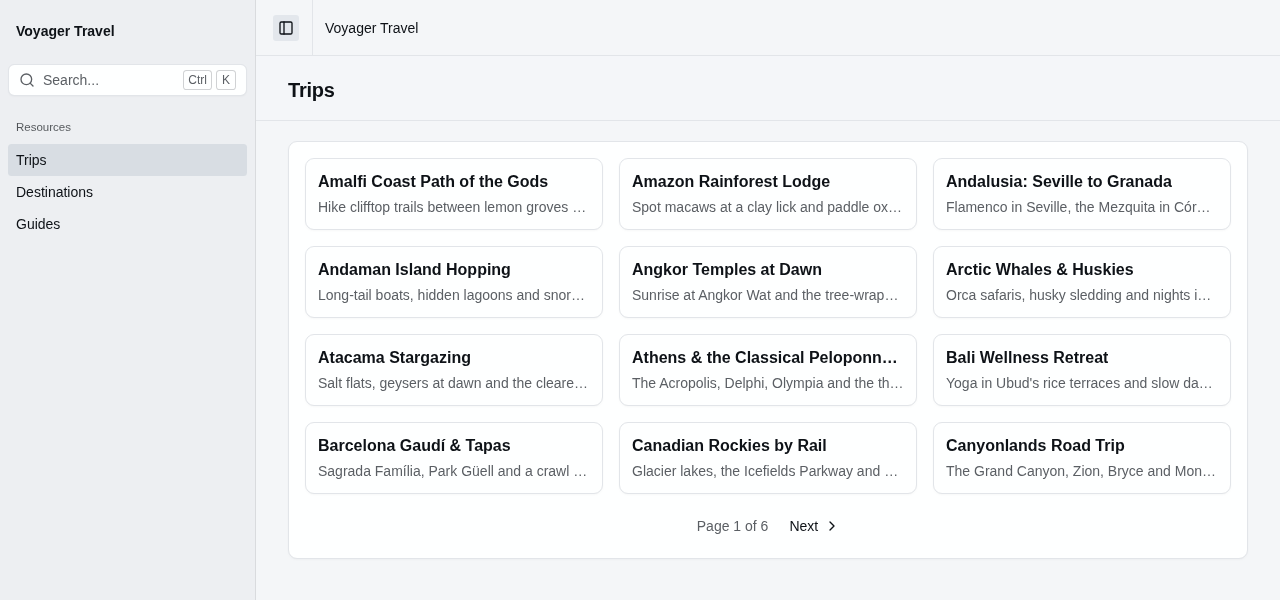
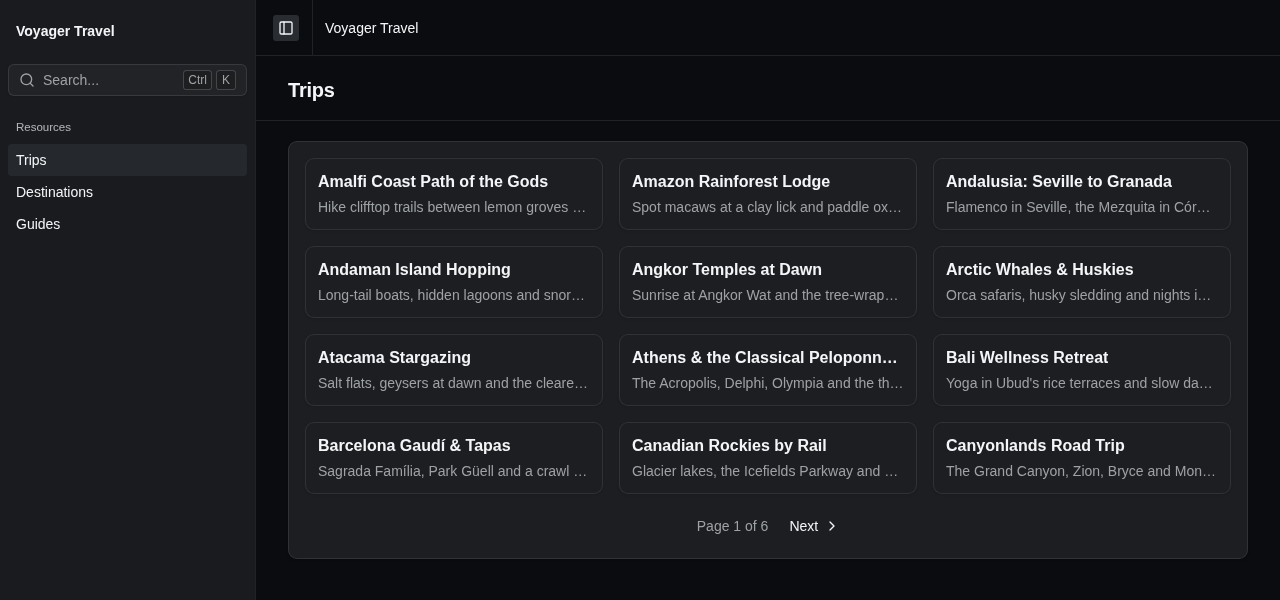
Sorting the cards
You can specify the order of the cards by calling DefaultSortBy() on the cards builder. The example below sorts the trips by their title:
index.AddCards("trips", cards =>
{
    cards.DefaultSortBy(trip => trip.Title);
    cards.Card(card =>
    {
        card.Title(trip => trip.Title);
        card.Description(trip => trip.Summary);
    });
});
To sort the cards in descending order, call DefaultSortByDescending() instead. The example below displays the most expensive trips first:
cards.DefaultSortByDescending(trip => trip.BasePrice);Without a default sort, the cards are displayed in the order the data source returns them.
Paging the cards
By default, the index page displays a card for every record. You can split the cards into pages by calling EnablePaging() on the cards builder:
index.AddCards("trips", cards =>
{
    cards.DefaultSortBy(trip => trip.Title);
    cards.EnablePaging();
    cards.Card(card => card.Title(trip => trip.Title));
});
When there is more than one page, a pager is displayed below the cards with Previous and Next links and the current page, for example "Page 2 of 6".


The paging builder has the following members:
| Member | Description |
|---|---|
PageSize | Specifies the number of cards on a page. Defaults to 25. |
The example below displays 12 trips per page:
cards.EnablePaging(paging => paging.PageSize = 12);Sorting and paging cards with data from a handler
When the cards display data from a handler, StellarAdmin does not sort or page the items itself. It passes the default sort and the requested page to the handler in the Sort and Paging properties of the request, and the handler must return the items of that page in the correct order, together with the total number of items.
The example below sorts the destinations by their revenue, and splits them into pages:
index.AddCards<DestinationRevenue, DestinationRevenueHandler>("destinations", cards =>
{
    cards.DefaultSortByDescending(item => item.Revenue);
    cards.EnablePaging();
    cards.LinkTo<Destination>(item => item.DestinationId);
    cards.Card(card => card.Title(item => item.Destination));
});